The Five Stages of Working With AI
From asking a chatbot the odd question to running six agent sessions at once. The four stages I went through, and the fifth one I am entering.
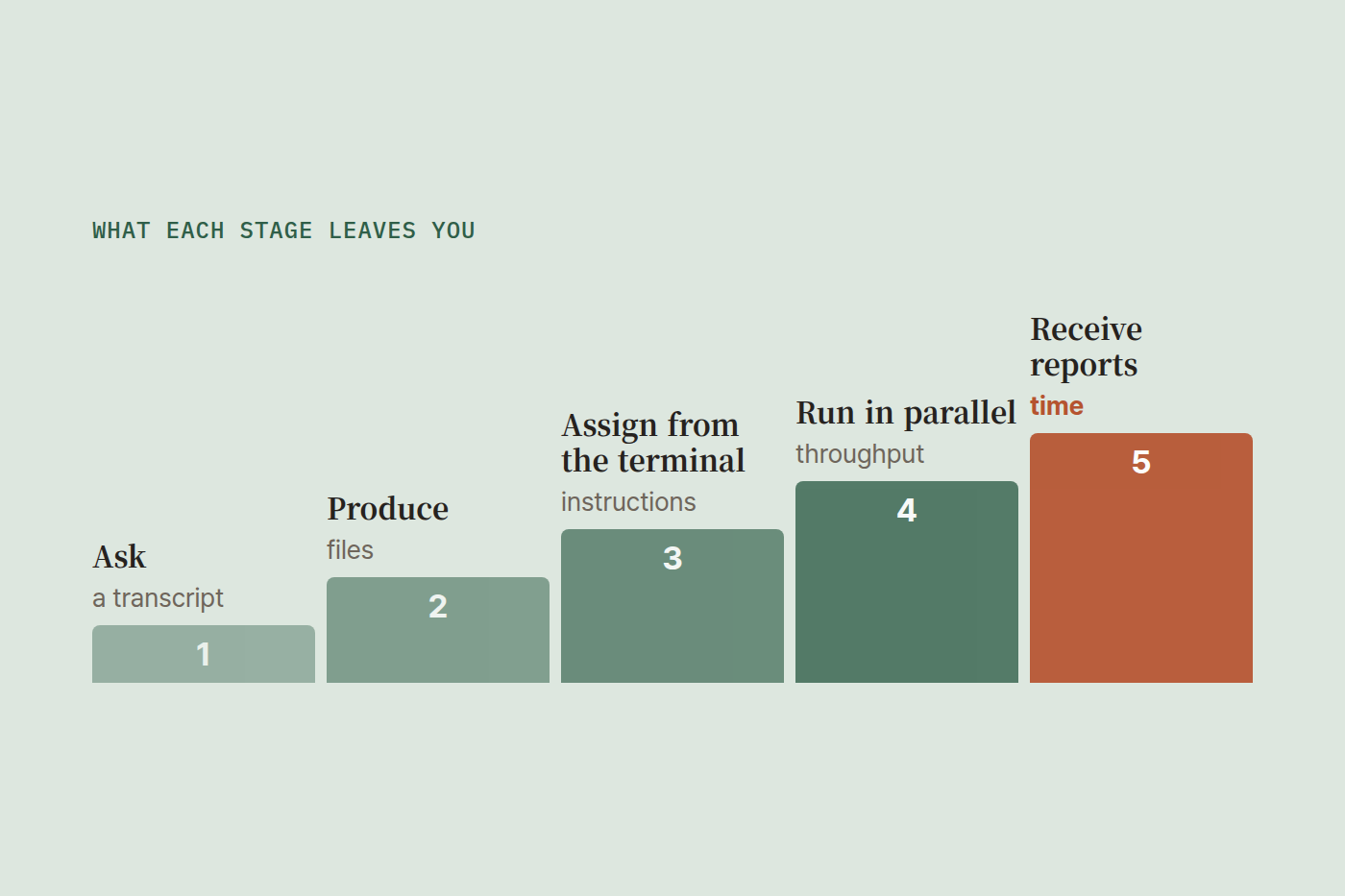
"I use AI" means completely different things depending on who says it. For one person it means asking a question when something comes up. For another it means keeping six sessions running and collecting the results. Same sentence, different job.
Here are the five stages as I went through them. They come in order, and most people take them in that order.
Stage 1. Asking AI when something comes up
You install the app, or you open a browser tab, and you ask things. Sometimes it answers like a patient friend. Sometimes it teaches you something you did not know, like a strict tutor. You copy prompts you saw on social media and make pictures for fun.
Almost everyone starts here. At this stage AI sits next to the search box. A question comes up, you ask, you get an answer, you close the tab.
The mark of stage 1 is that nothing leaves the chat window. Even a great answer leaves you with nothing but a transcript.

Stage 2. Making something with AI
One day the thinking changes. I should build something with this.
Logging into a website every time starts to feel like waste, so you install the desktop app. You go back and forth with it and start producing actual files. Documents, spreadsheets, scripts. This is where output starts to accumulate instead of conversation.
Then friction shows up. You copy things out, paste things back in, do it again when something needs fixing. There has to be a better way.
If what you want to build is a website or an app, this is where you move into a development environment and attach an AI agent such as Claude Code. And that alone feels like a different world. Code gets written as you describe it, and the thing runs in front of you within minutes.
People with no development background learn the tooling and, a few weeks later, ship apps they had only ever imagined. This stretch was the most exhilarating part for me. It is also where I realized that what changed first was not my company but me.
Stage 3. Leaving the IDE for the terminal
Keep working in stage 2 and something starts to pile up.
The instructions you wrote down. The context about your business you stopped having to re-explain. The rules you set for how a certain job always gets done. Once enough of that accumulates, a lot of work stops needing customization at all. Nothing new to explain, same job, same way.
At that point there is little reason to open an IDE. Clicking through windows and files becomes the slow part, especially when the output is not one file but dozens of them.
So you move to a terminal-based AI agent. That is stage 3.
Stage 4. Running several AI sessions at once
Work in the terminal for a while and a new thing starts to bother you. Waiting while the agent thinks is boring.
So you open another window while you wait, and give it a different job. Then another. Work runs in parallel.
Before long you need a way to manage all of those sessions at once. This is where people run into tools like Orca or Cursor, and the terminal-minded ones reach for tmux. I run tmux split three ways on each of two monitors, six Claude sessions at the same time.
And you already know how this goes. There are never enough session windows, and the list of things you want done keeps growing. For workaholics this era is paradise.
What changes in stage 4 is not speed but role. You go from the person making things to the person assigning and checking them.
And then explaining things in words starts to feel like a chore. Your sentences get shorter. You want the way you have been handling a job, worked out over weeks of conversation, to run from one short command. So you start turning those into agent skills, one at a time.

Stage 5. Not watching the agent at all
I can feel roughly what comes next.
There is no longer any reason to sit and watch a tmux pane. The work is already codified as skills and instructions, the agent runs it internally, and I only get a report on exceptions and results.
Up to stage 4 the number of screens keeps growing. Stage 5 runs the other way. The screens disappear.
Two things have to exist before that works.
First, the decision criteria have to be written down. If the judgment I make every time only lives in my head, there is nothing for the agent to stand in for. Not watching the screen does not mean not deciding. It means the deciding was done in advance.
Second, the notification has to arrive when things go right, not only when they break. An alert that only fires on failure cannot tell you apart from an alert that is itself broken. I once had an automation scheduled to run every ten minutes that ran seventeen times in a day, and the dashboard was green the whole time. To stop watching, you have to build something that does not need watching.
The five stages side by side
| Stage | What you do | What you are left with |
|---|---|---|
| 1 | Ask when something comes up | A transcript |
| 2 | Produce something | Files |
| 3 | Assign work from the terminal | Instructions and skills |
| 4 | Run sessions in parallel | Throughput |
| 5 | Receive reports | Time |
Can you skip a stage
Not easily, because each stage produces the raw material for the next one.
Stage 1 builds a feel for what AI is good at and where it falls over. Stage 2 teaches you how your own work breaks into pieces, because you have to break it up to produce anything. Without the instructions that accumulate in stage 3, running parallel sessions in stage 4 means re-explaining everything to every session. And without the practice of assigning and checking in stage 4, you will not know what a stage 5 report should even contain.
Pick up a stage 3 tool with nothing written down and all you have is a harder terminal. Tools do not create the stages. What piles up is what makes the next tool necessary.
Start by knowing where you are
I think I am somewhere between stage 4 and stage 5.
There is nothing wrong with being at stage 1. What matters is knowing where you are, because that is what tells you what to do next. Someone at stage 2 does not need better prompts, they need to carry one piece of work all the way to the end. Someone at stage 3 does not need a new tool, they need the habit of writing the instructions down.
To everyone building something with AI today, good luck out there.