When Your Link Preview Shows Nothing
Getting a bare URL instead of a card means the page never declared og tags. Here is how I generate a preview image for every post automatically.
You paste your company's website into a group chat and get a bare grey URL. Everyone else's links come with a picture and a headline. Here is why that happens and what I did about it.
The preview is something the page announces
A messenger showing a nice card is not the messenger being clever. The page told it what to show.
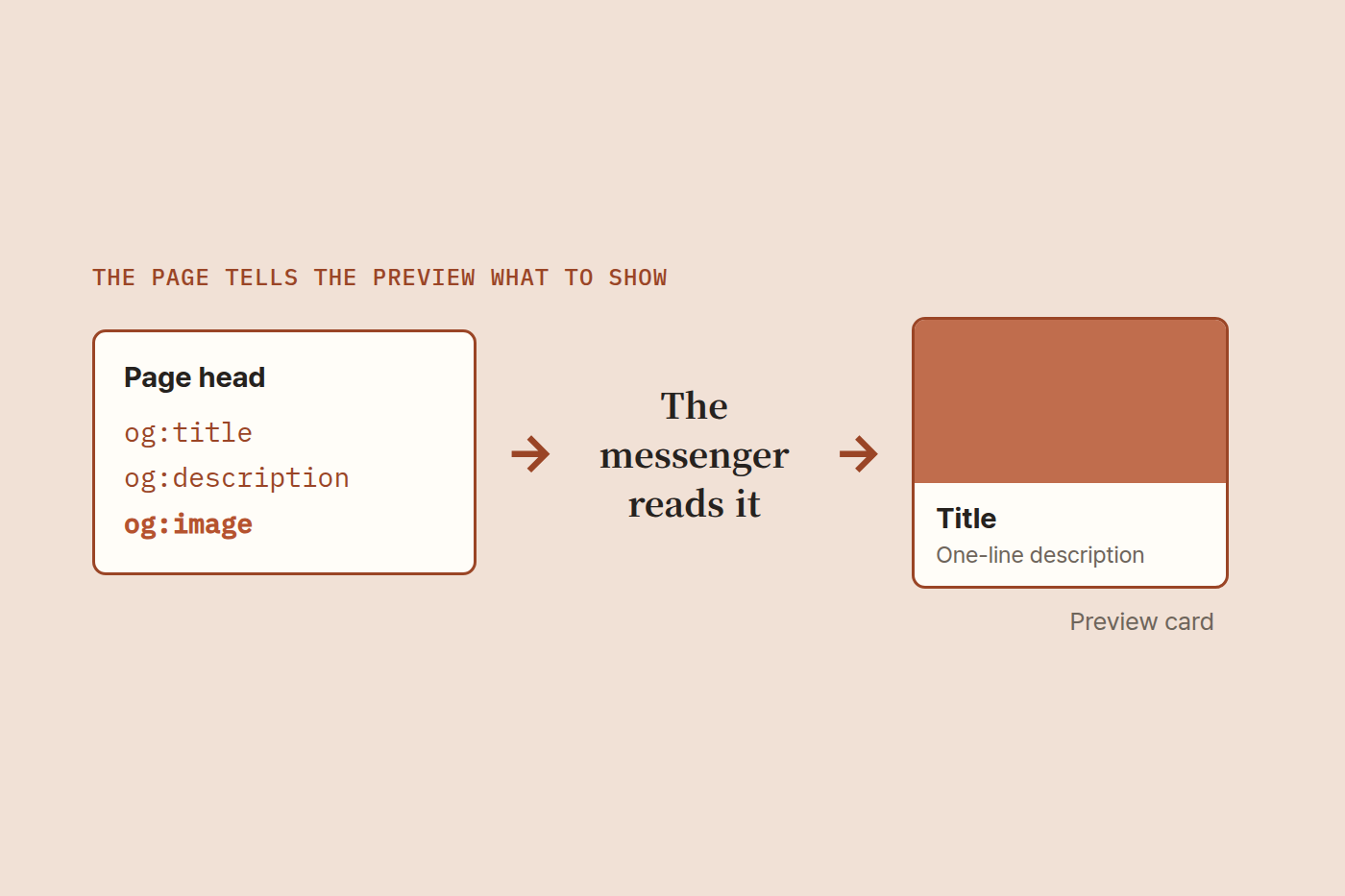
That declaration lives in og tags, a few invisible lines at the top of the page.
og:title        the headline
og:description  one line of context
og:image        the picture to show
Without those lines there is nothing to show, so you get the raw URL. The link is not broken. The page simply said nothing.
This is not specific to one app. LinkedIn, Facebook, Slack, iMessage and Korean messengers all read the same lines. Add them once and they all work.
The image is the annoying part
Title and description already exist on every post, so those are free. The picture is the problem.
- It should differ per post. Identical cards make every link look the same
- There is a recommended size: 1200 by 630
- SVG does not work. Most services will not render SVG in previews. It has to be PNG or JPG
Opening a design tool to build a 1200x630 card for every post is not going to happen. I knew that if it were manual I would simply stop doing it.
So I made them generate themselves
The approach is simpler than it sounds.
1  Build one HTML card with the post title on it
2  Launch the Chrome that is already installed, with no window
3  Screenshot that card at 1200x630 and save it as PNG
4  Point the post's og:image at that file
Nothing new was installed. Image libraries bring font problems, and then you have to install them on the build machine too. Chrome is already here and already renders text correctly.
Once it exists, every new post gets a card without anyone thinking about it. Cards that already exist are not redrawn, so at a hundred posts it still only draws the one new card.
Check that it worked
Not knowing it failed is the most common mistake here.
Messengers cache what they read. You fix the tags and the old version keeps appearing. Facebook, LinkedIn and Kakao all publish a debugger where you paste the URL and it re-reads the page. That clears the cache.
In a hurry, add ?1 to the end of the URL before sharing. The app treats it as a different address and fetches it fresh.
Why bother
Honestly, this has nothing to do with search rankings. Google does not use og tags for ranking.
But the place a small business owner actually shares links is not search. It is chat. You send a quote link to a client, drop your company page in a group thread, send an address instead of a business card.
In that moment a bare URL and a proper card do not read as the same company. I think this matters before search does. Nobody may be finding you through Google yet, but you are sending links today.
Check yours right now
Send your own website address to yourself in whatever messenger you use. If a picture and headline appear, you are fine. If it is just the address, the tags are missing.
If you are on a hosted builder, there is usually a share image setting somewhere. Even one image for the whole site beats nothing. I left those services and built this part myself.