When Your Blog Does Not Show Up on Google
Not showing up means two different things, and telling them apart first stops you from spending days fixing something that was never the problem.
You publish a post and it does not show up on Google. You search your own site name and it still does not show up. Most people start working through whatever advice they find. I learned this month that there is something to do before that.
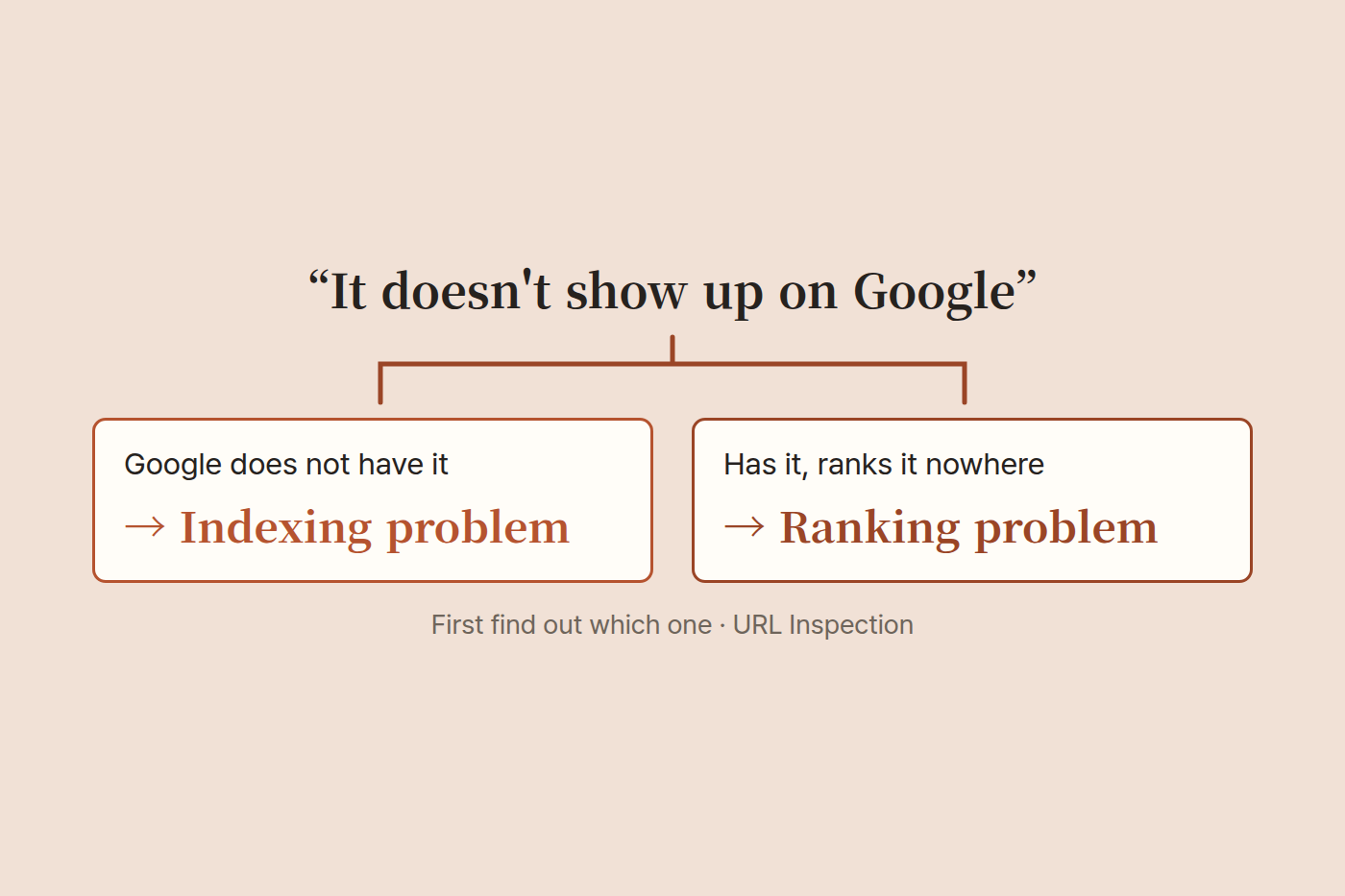
"Not showing up" means two different things
1  Google does not have your page at all      ->  an indexing problem
2  Google has it but ranks it nowhere         ->  a ranking problem
These are fixed in completely different ways. On screen they look identical.
Treat 1 as 2 and you will rewrite titles and lengthen posts and nothing will happen. Treat 2 as 1 and you will resubmit sitemaps and request indexing over and over and nothing will happen either.
So the first job is not fixing. It is telling the two apart.
How to tell them apart
If your site is in Google Search Console, paste a full post URL into the search bar at the top. The feature is called URL Inspection.
The answer splits like this.
| What it says | What it means |
|---|---|
| URL is on Google | It is indexed. This is problem 2 |
| Discovered - currently not indexed | Google knows the address but has not even come to look |
| Crawled - currently not indexed | Google came, looked, and decided not to keep it |
| URL is unknown to Google | It does not know the page exists |
That alone tells you what to do next.
I measured my own site
Numbers make this concrete, so here are mine. I inspected all twenty URLs on this blog, one at a time.
Indexed          13
Not indexed       7
   unknown          4   (two of them published the day before)
   discovered only  2
   looked, declined 1
My first thought was that the English versions were the problem. They are translations of the Korean posts, so maybe Google saw duplicates. Then I counted, and the seven were spread evenly across both languages. The theory was wrong.
Then I looked at the last crawl date on the thirteen indexed pages. Yesterday and the day before. Google was coming regularly. The site was not dead.
What to actually check when pages are not indexed
One. Are you blocking it. Open yoursite.com/robots.txt in a browser. If there is a line saying Disallow: /, that is the whole story. That one line blocks the entire site.
Two. Did you tell Google about the sitemap. yoursite.com/sitemap.xml should open, and that address needs to be submitted under Sitemaps in Search Console. Having the file and having told Google are not the same thing.
Three. Is the address really that address. Look at canonical in the page source. If it points at an old address, that is where Google looks. This matters especially if you have changed domains.
Four. And time. New sites are slow. That is normal.
The fourth one is the usual answer
I moved this blog to its current domain on August 15. To Google this is a one-week-old domain. There are eight posts and effectively no links pointing here from anywhere else.
In that state, having just over half the pages indexed and almost no impressions is not a fault. It is normal. A new domain usually takes months to settle into search.
So if you check one through three and find nothing wrong, that is good news. It means there is nothing to fix. What is left is waiting and writing more.
If it is indexed but still invisible
That is a different story. In my case the thirteen indexed pages appeared in search results five times over ninety days. Four of those were English pages, and the only query was a misspelling of my brand name.
Being indexed means being eligible to appear, not appearing. If nobody searches the words your post is about, a hundred indexed pages still produce zero impressions.
From there it stops being an indexing problem and becomes a question of what you write. That deserves its own post, so I will stop here.
The check order, condensed
1  Does robots.txt contain Disallow: /
2  Does sitemap.xml open, and is it submitted
3  Does canonical point at the current address
4  Read the reason from URL Inspection
5  "Unknown" or "discovered only" is usually just time
6  "Indexed" but invisible is a ranking problem. More indexing work will not move it
Getting through step five takes ten minutes. I did not know this order and spent days looking in the wrong place.