Why connecting GitHub comes with free credits
Claude offers prepaid cloud credits for connecting a GitHub account. Rather than take that at face value, I followed GitHub's own documentation on what the connect button actually grants, and what the credits are buying.
A notice appeared in Claude. Connect your GitHub account and you get prepaid credits to spend on cloud sessions. It named an amount.
Nothing is free. I wanted to know what those credits were buying, so I went to GitHub's own documentation and read what actually changes hands behind that button. The amount is a promotion inside the product, and I could not find it in any public document, so I will leave the number alone and look at the structure instead. The structure is all written down.
One word, two different grants
A GitHub App has authorization and installation. They sound alike. They are not the same thing.
Installation is about repositories. It decides which repositories the app can reach and what it may read or write there. Authorization is about your account. It lets the app verify your identity, see which resources you can reach, and act on your behalf.
The two are independent. You can install without authorizing, and you can authorize without installing. Whether a given connect button is doing one, the other, or both is answered by the list on the screen, not by the wording around it.
The authorization screen asks for three things: verify your GitHub identity, know which resources you can access, and act on your behalf. The third one is what this post is about.
The app can only do what you and the app can both do
This is the part worth memorizing. Acting on your behalf does not hand over your account.
What the app can do is an intersection. If you have write access to a repository but the app only has read access, the app reads. If you can reach repositories A and B and the app can reach B and C, then acting on your behalf it reaches B, and only B. A token never grants its holder more than its owner already had.
It holds in the other direction too. If the app is installed across an organization but you cannot see a repository, the app cannot see it on your behalf either. Installing the app for an organization is not the end of it: each member has to authorize it before the app can act as that person.
So on the connect screen, the thing to read is not the copy. It is the repository list, and whether "all repositories" is preselected or you get to choose.
The name left behind is yours
Work an app does on your behalf is attributed to you, not to the app. Comment on an issue and your avatar appears as the author, with the app's identicon badge beside it.
The audit log works the same way. You are the actor, and the entry states that the programmatic_access_type is a GitHub App user-to-server token. That one field is the whole difference between a person doing it and an app doing it as that person.
If this is a company repository, read that paragraph twice. The commits and comments stay attached to the account holder.
What happens if you do not connect
A cloud session cannot reach your repositories without a GitHub connection at all. There are two routes: authorize the Claude GitHub App during web onboarding, or run /web-setup in your terminal to hand over the gh token you already use.
Now the interesting case. Open a cloud session from a repository the app is not installed on, and it cannot clone from the remote, so it bundles your local repository and uploads it instead. The bundle carries your full history across all branches, plus uncommitted changes to tracked files. Files that look like credentials are left out by name and the ones left out are listed, but that filter works on filenames.
Skipping the connection does not mean less leaves your machine. It means more does. That is the part the credits notice does not mention.
So what are the credits buying
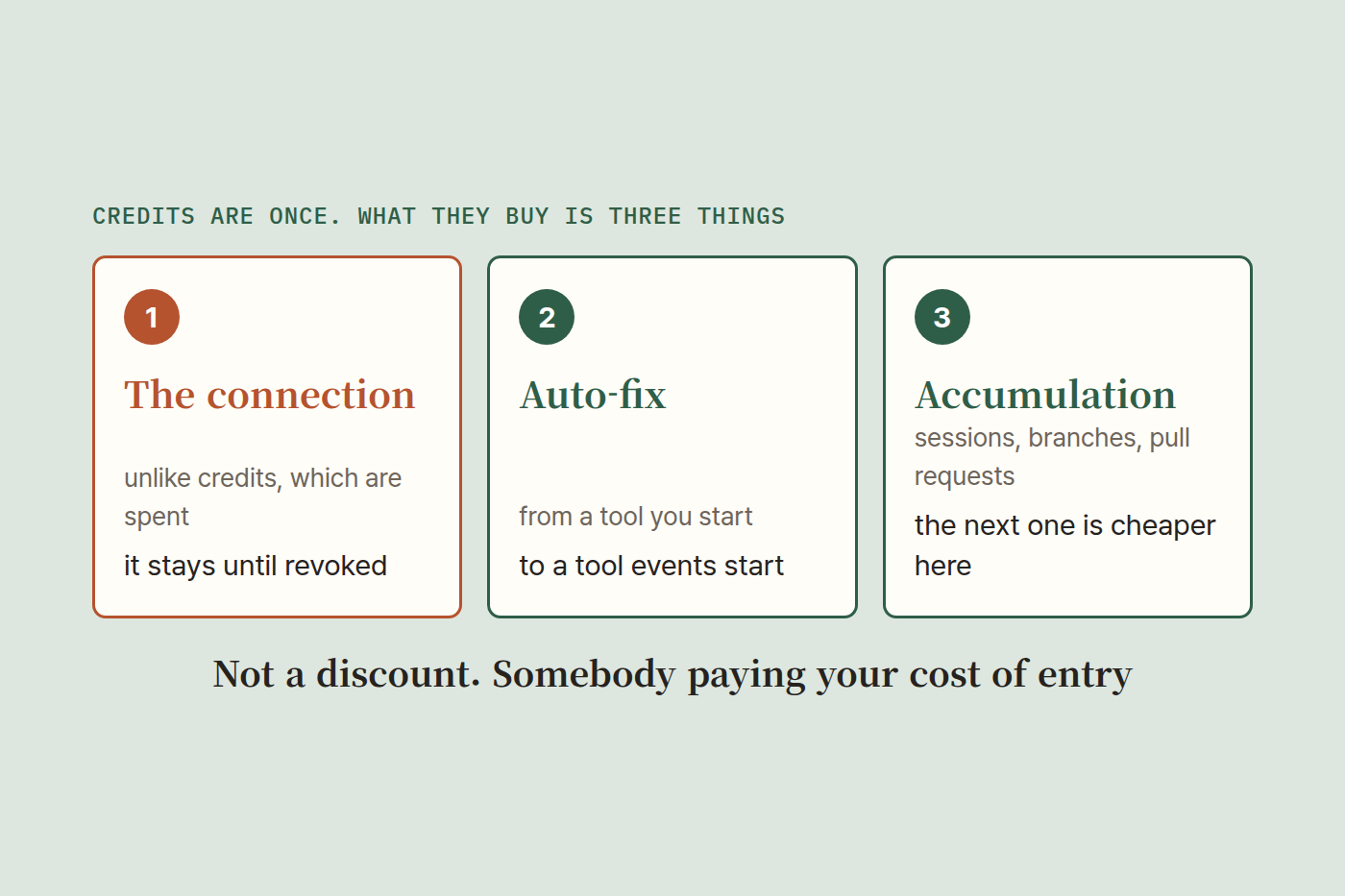
Three things, as I read it.
First, the connected state itself. Credits are spent once and gone; an authorization stays until someone revokes it. The cost is one-time and what it buys is ongoing.
Second, the ground where auto-fix runs. On a repository with the app installed, Claude can react to CI failures and review comments on a pull request and push fixes on its own. That turns a tool you start into a tool that events start. Usage stops being set by your hands and starts being set by how busy the repository is.
Third, accumulation. Once sessions, branches and pull requests pile up in one place, opening the next one there is the cheaper move. Switching costs come from what has collected, not from the tool. I once wrote that making the AI keep records is what opens the next stage. This is that argument handed back to me from the vendor's side.
Put together, the credits are not a discount. They are somebody else paying your cost of entry, once, after which habit pays the bill.
Three things to check before connecting
Understanding the strategy is not an argument against connecting. I connected. I check three things.
The repository list. Choose the ones you need instead of all of them. The app's reach is one side of that intersection, so narrowing this side narrows everything.
Auto-fix. Turn it on and a single comment can summon work. If a comment in that repository can trigger a deployment, leave it off.
The way out. Authorization can be reviewed and revoked at any time. Find that screen before you connect, not on the day you need it.
When something is labeled free, the useful habit is to look for where the price went. Here it was not money, it was reach, and the reach was documented in full. Read it, then choose.